








Aris is absolutely exceptional in every dimension that I can think of for a designer. From start to finish, he was a true pleasure to work with.
Boutique consulting firm
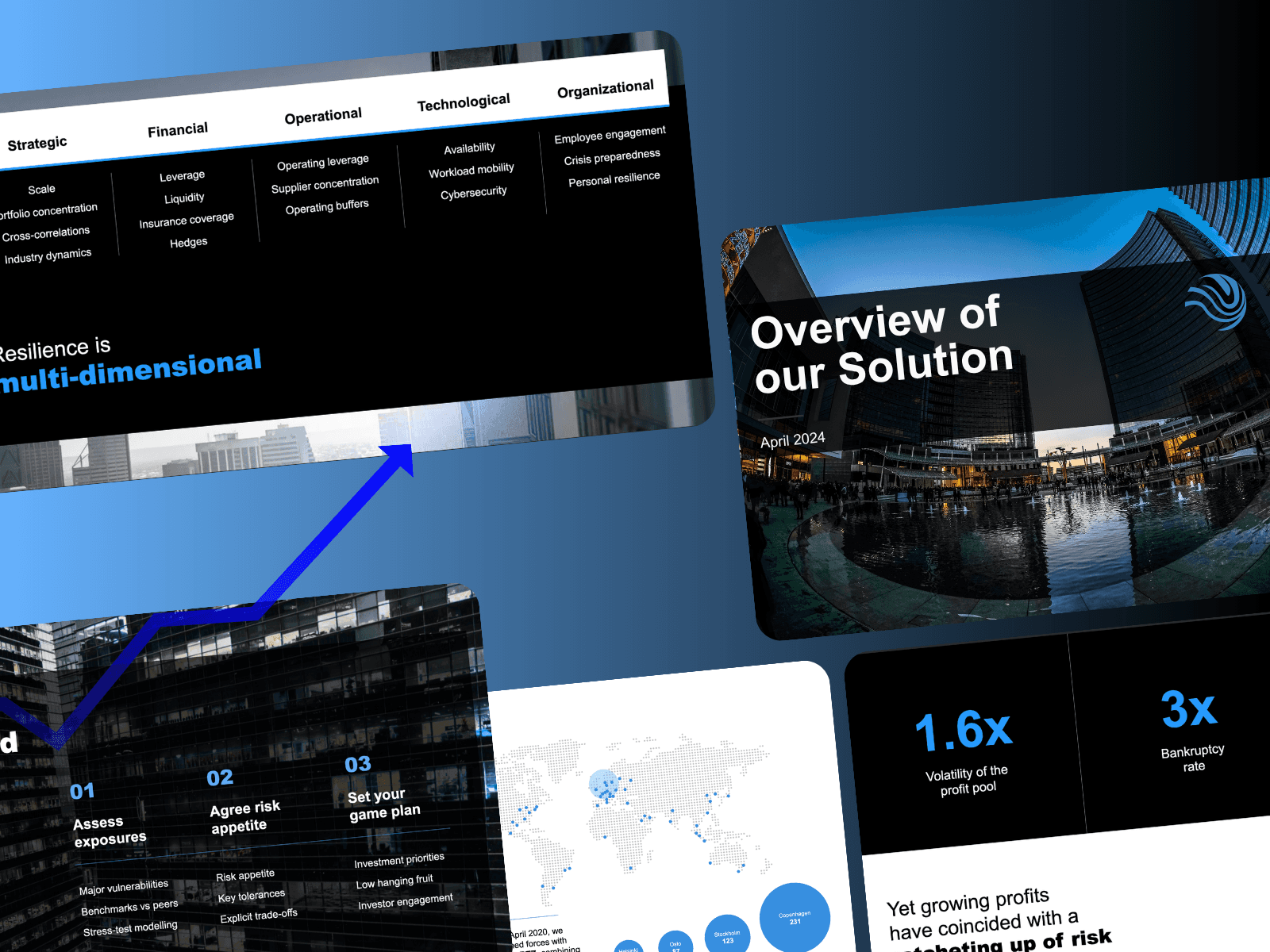
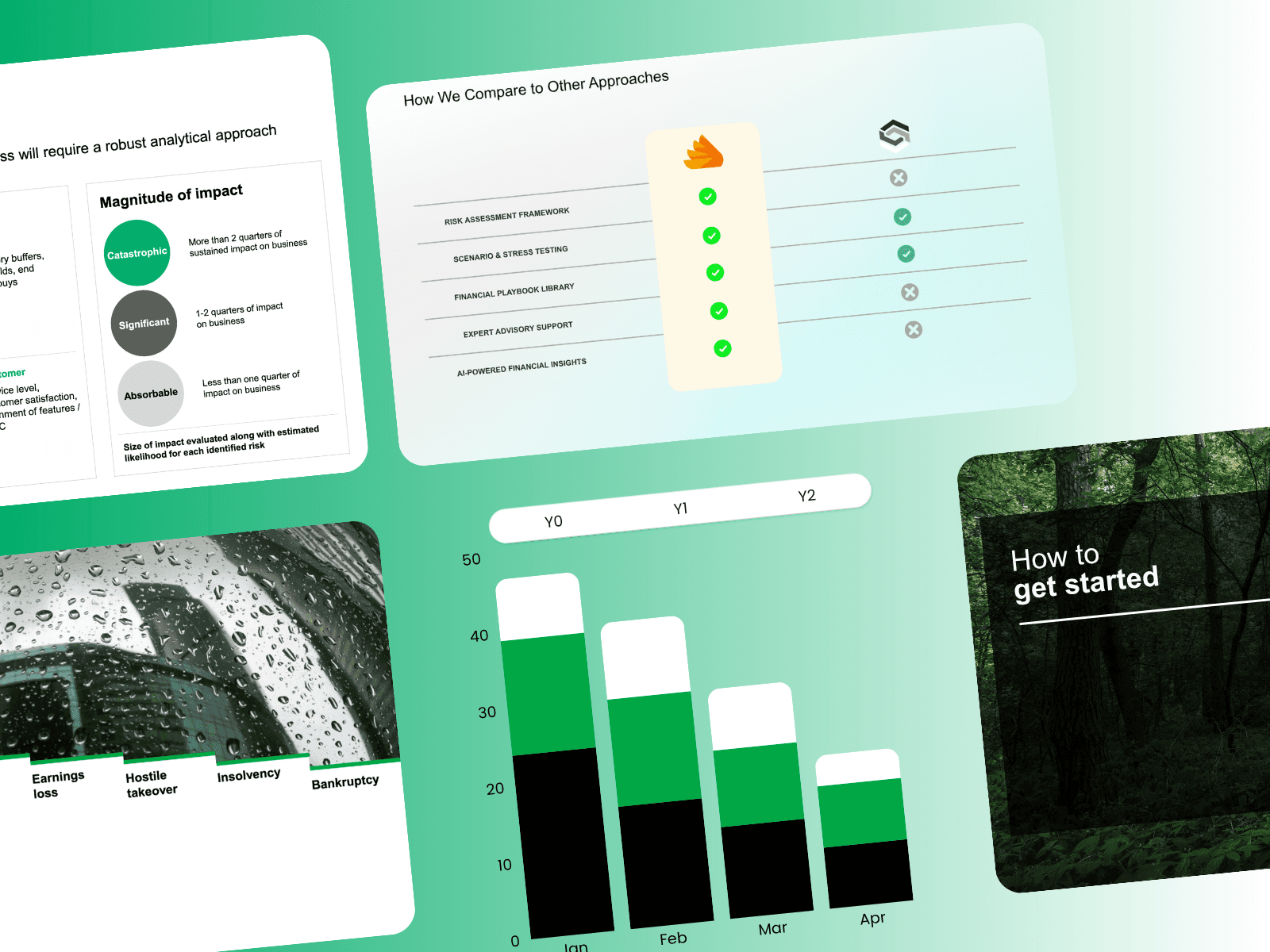
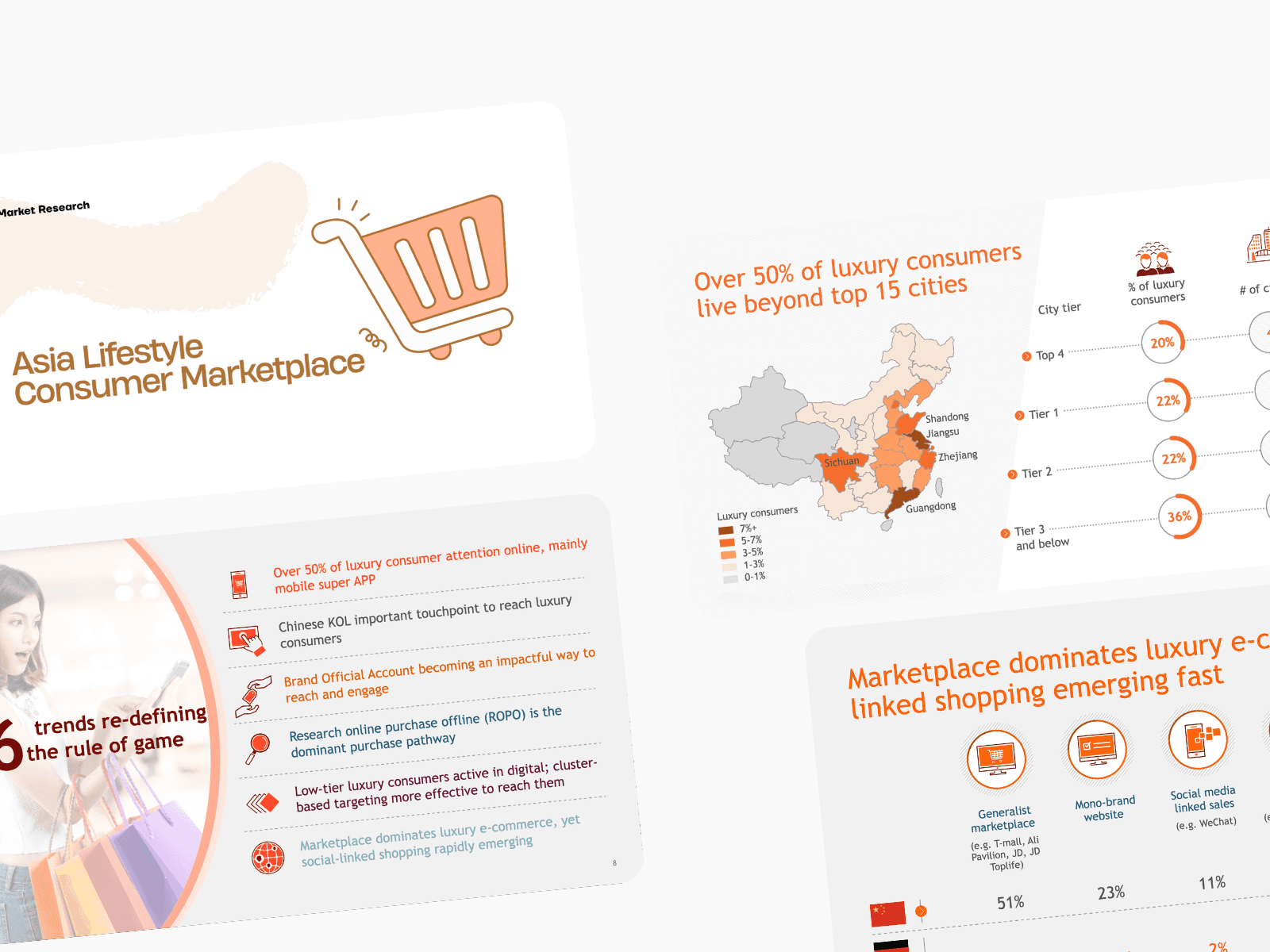

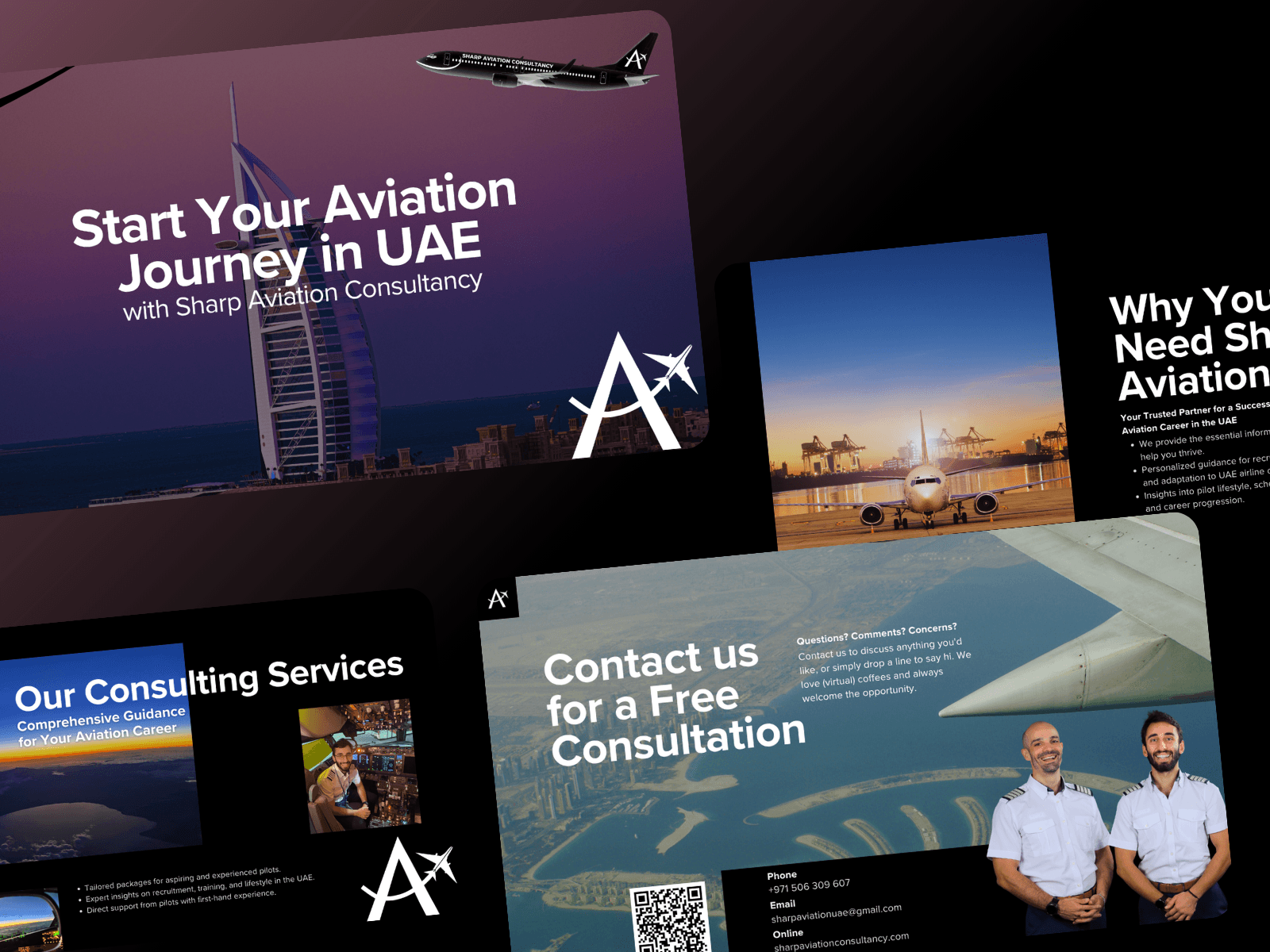
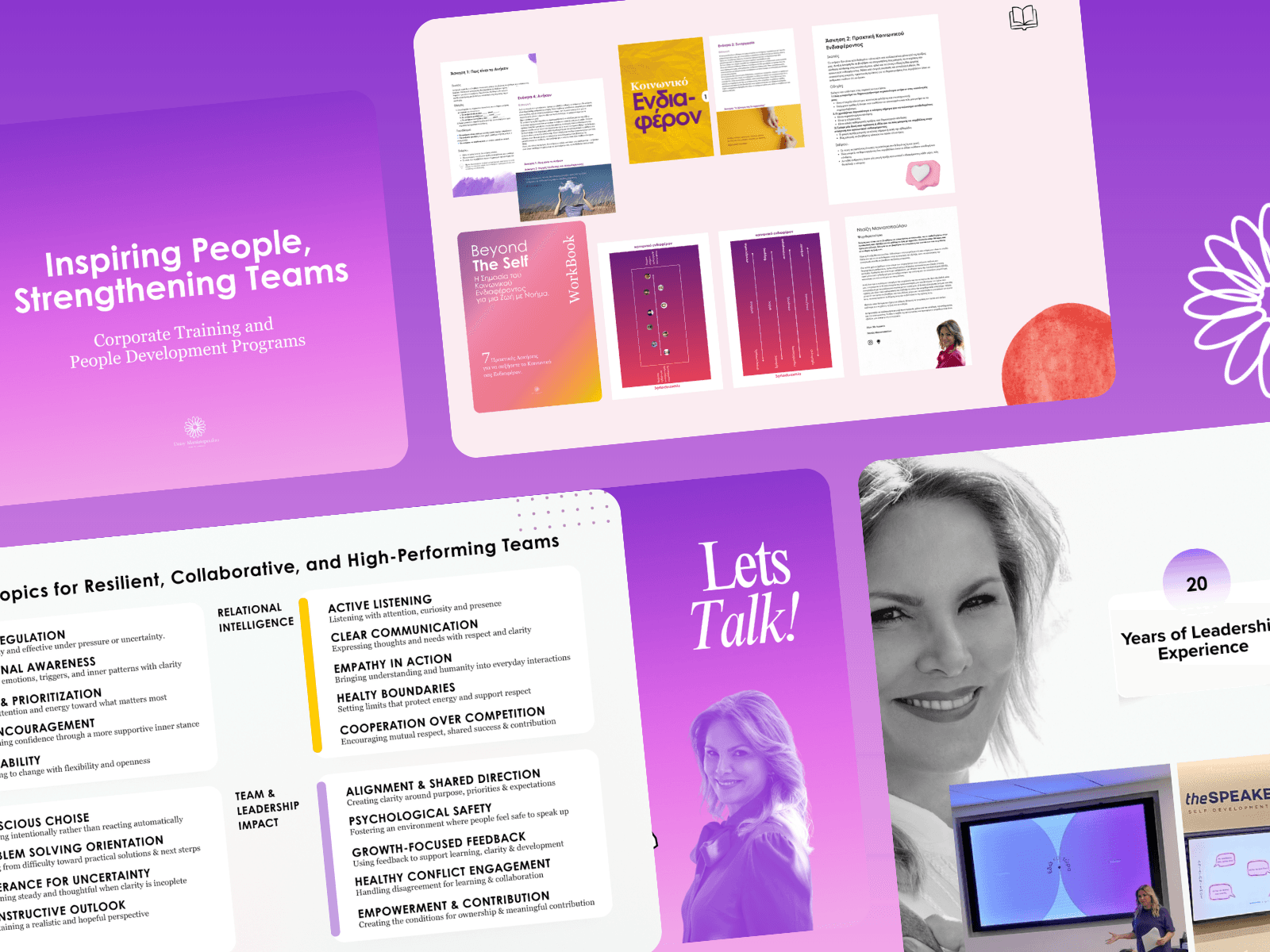
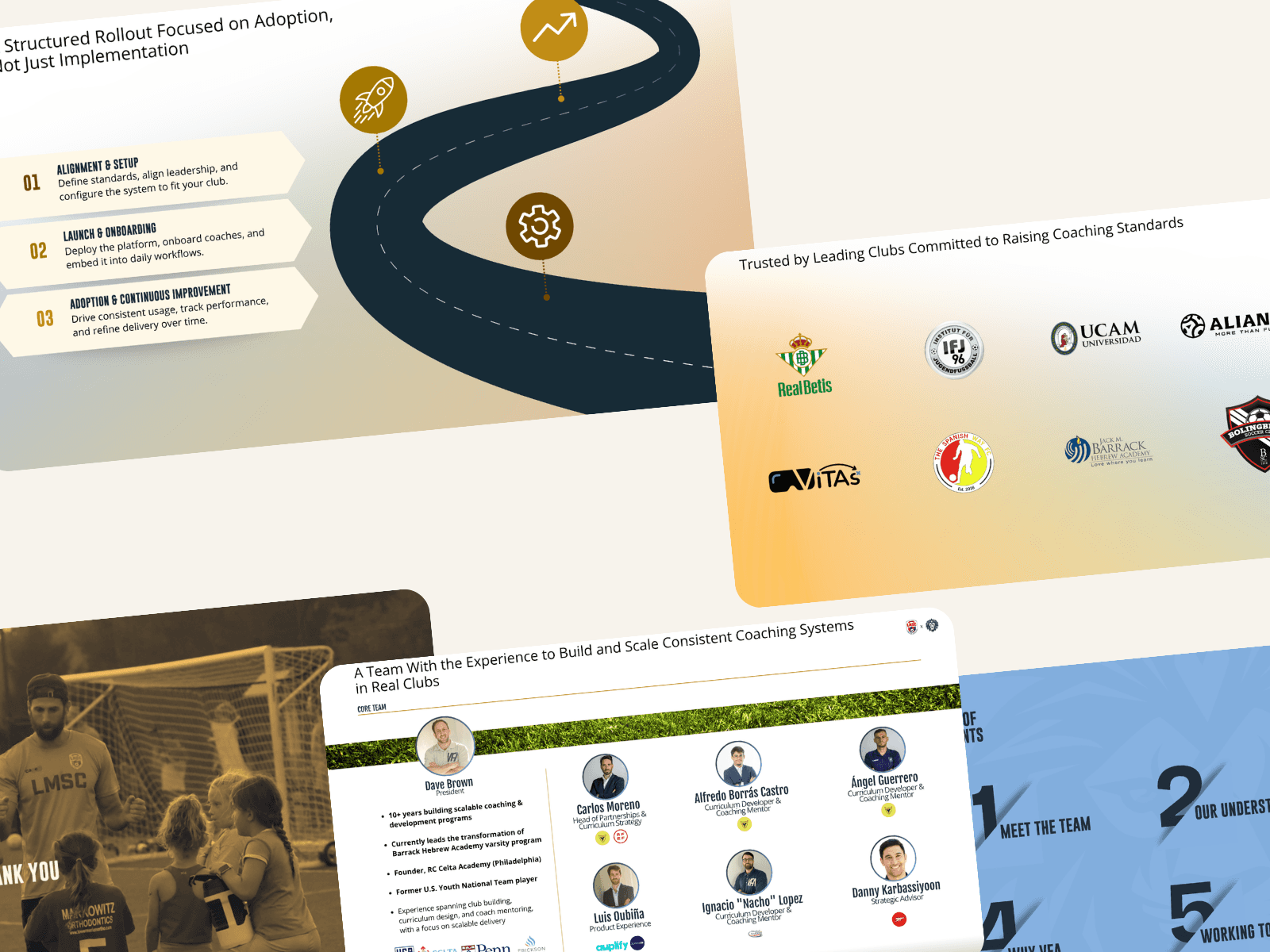
Built by former Management Consultant

The process 💡
1
You receive a short intake form to share the key context
You upload any existing material (decks, notes, proposals, brand files, examples, or raw content)
We review the material and identify what is clear, missing, or needs improvement
If needed, we schedule a short call to clarify the goal, audience, scope, and timeline
We align on the deliverable, structure, priorities, and what success looks like before work begins
2
We create the first version of the deck or proposal
The work includes structure, messaging, slide/page design, visual hierarchy, and flow
You receive updates on progress so you know where things stand
When the first version is ready, you review it and provide focused feedback
We revise based on what needs to be sharpened, clarified, removed, or improved
3
Final revisions are applied across copy, structure, design, and formatting
The file is cleaned, checked, and prepared for real-world use
You receive the final deck or proposal in an editable format
The presentation is ready to send, present, forward internally, or use in sales conversations
Where useful, we also provide guidance on how to use the deck effectively
Ways of working 💡
Structured thinking.
Make sense of complexity. Break it down into what matters.
Speed matters.
Move quickly to learn, adjust, and find the right direction.
Clear story.
Shape ideas into something people can easily connect with.
Decision is everything.
Help people move forward with confidence.
Trusted by




Tools 🛠️

Powerpoint
Canva

Figma

Google Slides
FAQs
I work with consulting firms, advisory businesses, agencies, and serious B2B teams that need client-facing presentation assets. Most projects involve sales decks, proposal decks, credentials decks, case studies, pitch materials, or executive presentations where the deck needs to be clear, polished, and credible in front of senior stakeholders.
This is not just slide decoration. I help with the structure, narrative, messaging, slide flow, and visual hierarchy so the deck is easier to understand, easier to present, and stronger in front of senior clients. Serious presentation agencies also emphasize audience, objectives, objections, and narrative before design.
Yes. I can work directly inside your existing PowerPoint template, brand guidelines, fonts, colors, and slide system. The goal is to make the deck look like it belongs to your firm — not like an external designer created something separate.
Yes. I can work directly inside your existing PowerPoint template, brand guidelines, fonts, colors, and slide system. The goal is to make the deck look like it belongs to your firm — not like an external designer created something separate.
Yes. I can work directly inside your existing PowerPoint template, brand guidelines, fonts, colors, and slide system. The goal is to make the deck look like it belongs to your firm — not like an external designer created something separate.
Yes. I can work directly inside your existing PowerPoint template, brand guidelines, fonts, colors, and slide system. The goal is to make the deck look like it belongs to your firm — not like an external designer created something separate.
Yes. I can work directly inside your existing PowerPoint template, brand guidelines, fonts, colors, and slide system. The goal is to make the deck look like it belongs to your firm — not like an external designer created something separate.
Yes. I can work directly inside your existing PowerPoint template, brand guidelines, fonts, colors, and slide system. The goal is to make the deck look like it belongs to your firm — not like an external designer created something separate.
Yes. I can work directly inside your existing PowerPoint template, brand guidelines, fonts, colors, and slide system. The goal is to make the deck look like it belongs to your firm — not like an external designer created something separate.
Pricing 💰
Presentation Audit
A diagnostic review of your sales presentation or proposal deck.
We assess the deck the way your buyer's board reads it. Where the argument weakens, where credibility goes unsupported, where the decision stalls — and deliver a prioritized set of corrections. The fee is credited in full toward a Sprint.
$500
Slide-by-slide diagnostic review
Slide-by-slide comments
Narrative and storyline feedback
Credibility and proof-point assessment
Buyer-psychology analysis
Design and visual hierarchy review
Delivered within 5 business days
Sales Deck Sprint
A complete rebuild of your sales presentation or proposal deck.
We restructure the narrative, sharpen the message on every slide, and redesign the material to MBB standard — so the deck carries the sale, not just the meeting.
$5,000
Full narrative restructure
Slide-level messaging, rewritten
MBB methodology
Value proposition refinement
Boardroom-grade slide design
Unlimited Revisions
Editable final file
Ongoing Partner
Ongoing deck and proposal production, under your brand.
For consultancies, venture builders, and agencies: you own the client relationship, we produce the materials. Consistent quality, priority turnaround, full discretion.
$2,500 / month
Dedicated monthly production capacity
Fully white-label
Sales, proposal, and investor decks
Narrative, messaging, and design included
Priority 48–72h turnaround
Direct line to your team
Pause at any time
If you decide to move forward with a Sales Deck Sprint within 14 days, the full $500 audit fee is credited toward the $5,000 sprint.
TELEO STUDIO